
Scheduled Email Reports
Get an automatic email summary of your net worth on a schedule, without having to log in and check yourself.
Turning on periodic reports
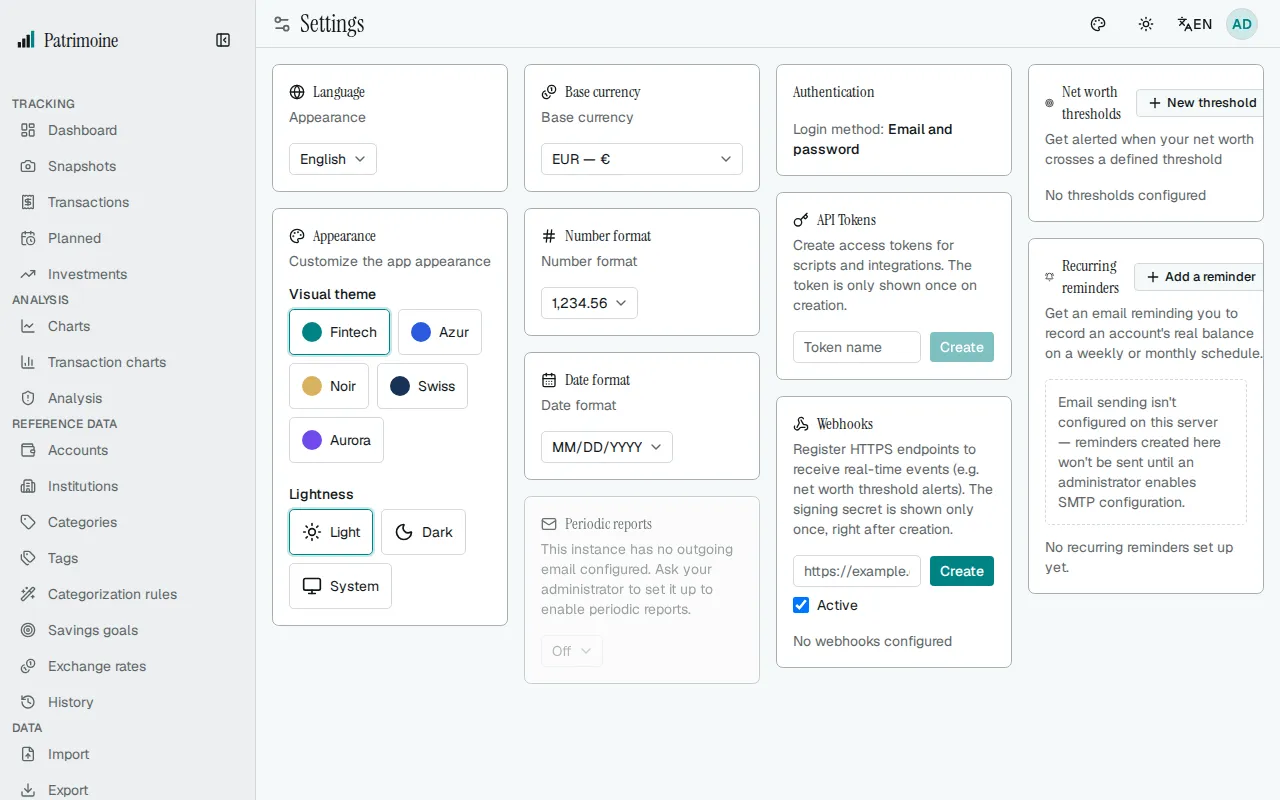
Section titled “Turning on periodic reports”In Settings, the Periodic reports card lets you choose Off, Weekly, or Monthly. This is available to both local-account and OIDC-authenticated users.
What the email contains
Section titled “What the email contains”Each report email includes:
- Your current net worth.
- An optional CAGR (compound annual growth rate) line, shown only once you have at least a full year of net worth history with a positive starting value.
- A link straight back to your dashboard.
When reports are sent
Section titled “When reports are sent”- Weekly reports go out every Monday at 07:00 UTC.
- Monthly reports go out on the 1st of the month at 07:00 UTC.
Turning on a schedule doesn’t trigger an immediate email — it takes effect starting from the next scheduled date.
If a report never arrives
Section titled “If a report never arrives”If periodic reports are turned on (the card isn’t grayed out) but you never receive one, check the following:
- Check your spam/junk folder.
- Confirm the email address on your account is correct.
- Confirm you actually have net worth data recorded (no data means no report is sent).
If those all check out, the next thing to check with your administrator is the outgoing email (SMTP) configuration mentioned above — a report can still fail to send even when SMTP is nominally enabled.